A few words make a difference.
Use keywords across platforms, block specific authors, and keep favorites on your allowlist. Match only the fields a supported page actually provides.
Celebrity news ×Spoilers ×Your own words +
Try a quick rule → ViewSieve
YOUR FEED, ON YOUR TERMS
Less noise across YouTube, Instagram and TikTok. Filter unwanted content, make your own rules, and leave more room for what matters.
Desktop Chrome · Your rules, processed on your device
A slower weekend
Make something
A new perspective
More room for what you came for.
CONTENT FIRST
Choose what stays out of your feed. The platform is still yours to explore.
Use keywords across platforms, block specific authors, and keep favorites on your allowlist. Match only the fields a supported page actually provides.
Filter explicitly labeled ads and promotions. On TikTok, choose whether to hide branded content, LIVE recommendations and AI-labeled content.
Based on platform labelsWhen YouTube makes its native Skip button available, ViewSieve handles the click. A successful skip uses one daily cleanup action.
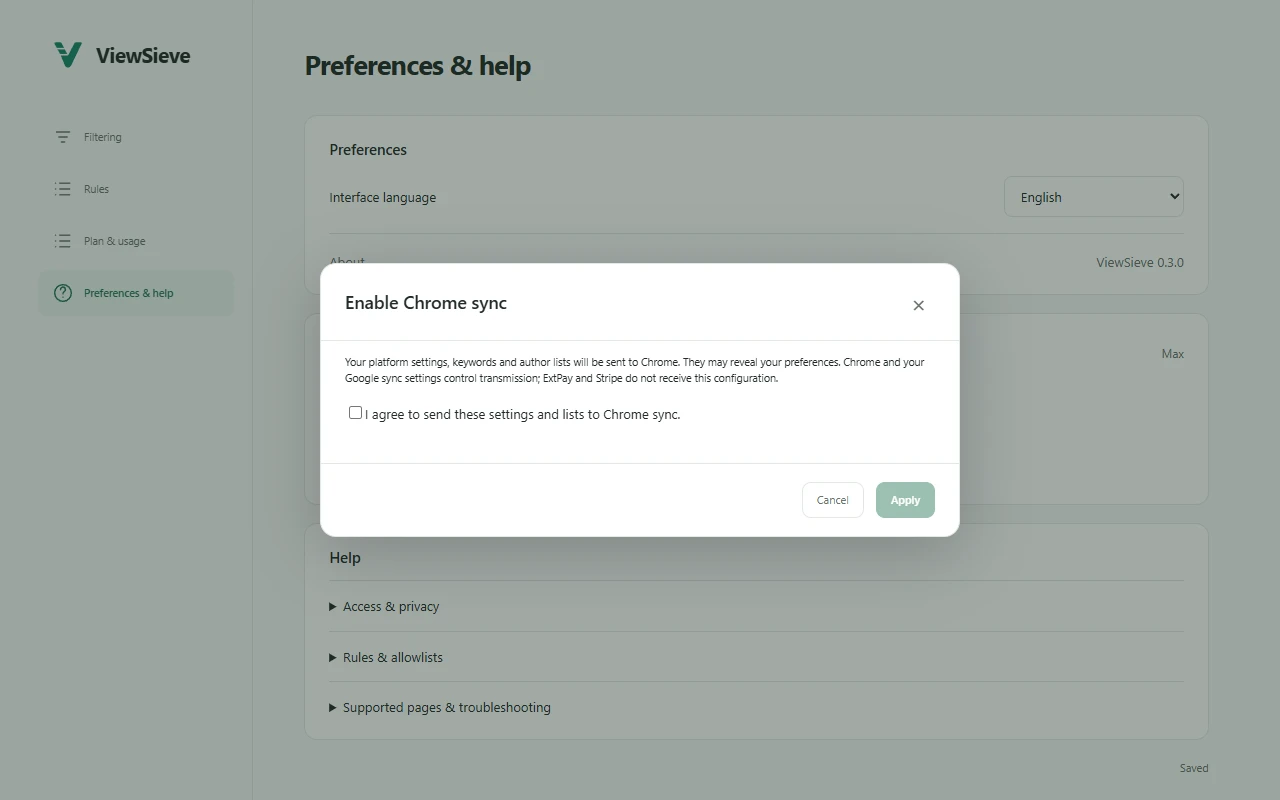
See how it works →Opt into Chrome sync for your platform preferences, keywords and author lists. You choose when to share, compare or stop.
Chrome · 80 KiBKeywords, channels, page promotions and native ad auto-skip.
Author and keyword rules, labeled promotions and home recommendations.
Rules, authors, ads, partnerships, LIVE and AI-labeled content.
A little hands-on
Four small demos. See how ViewSieve fits into your browsing.
Daily Buzz
Slow Hours
Open the sample video menu and choose words to filter.
ViewSieve skips when the native Skip button becomes available.
Off by default. Your choice to enable.
Demos use sample content in this page only. They do not access platforms, change extension rules or perform real cloud sync.
THE REAL INTERFACE
Current extension screens with sample data. No personal browsing information.
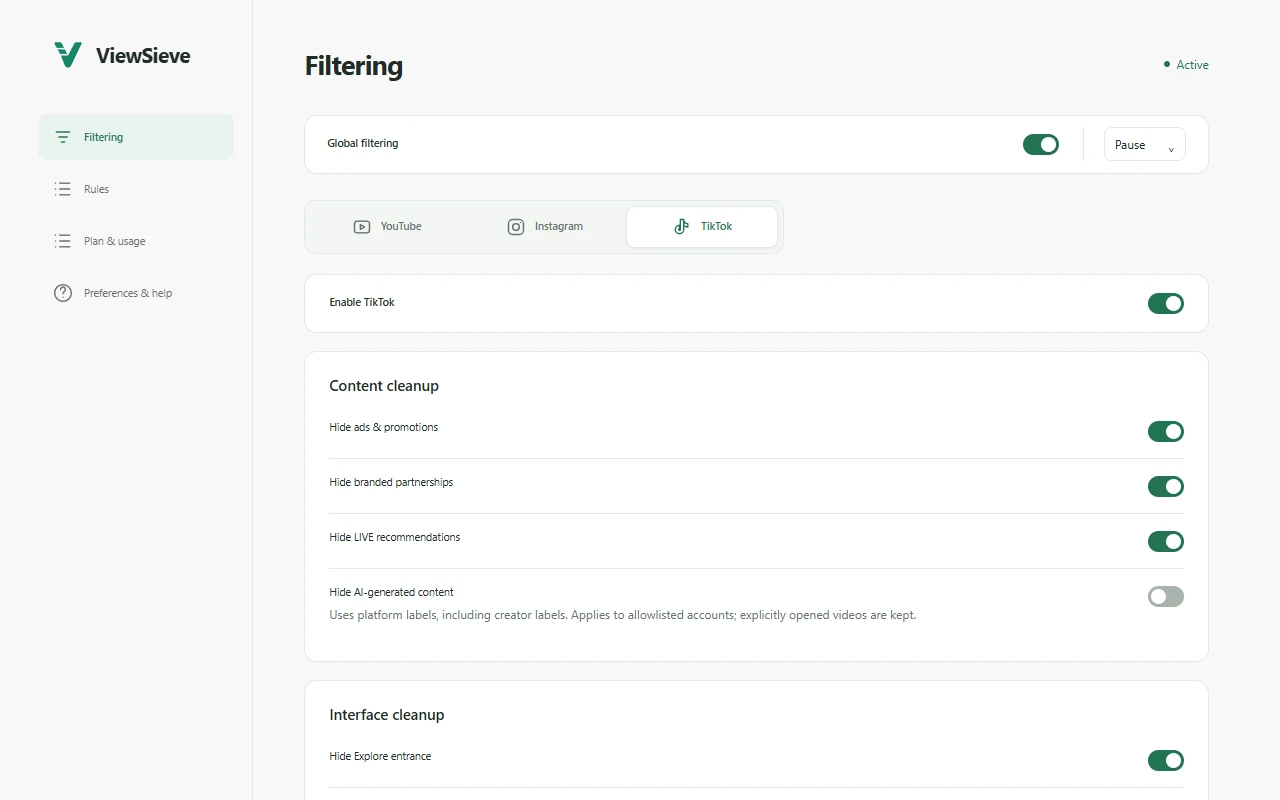
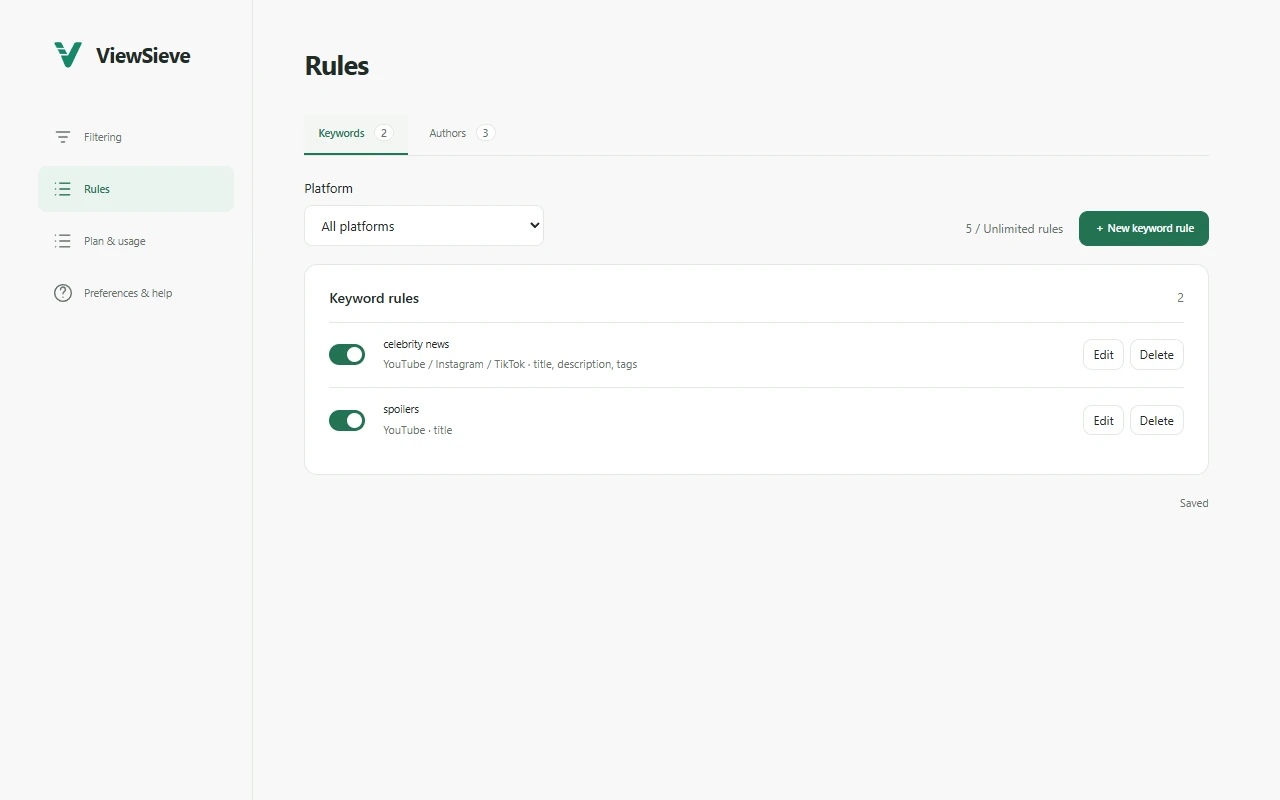
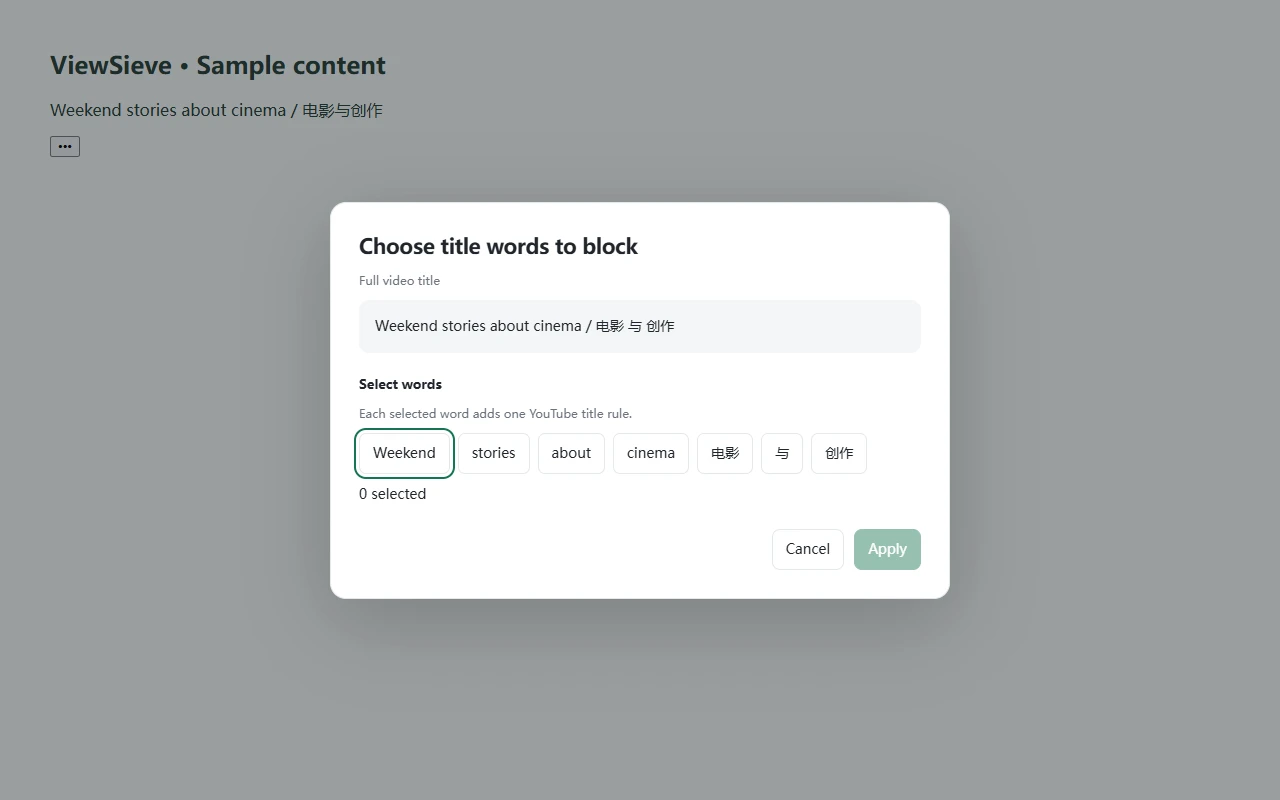
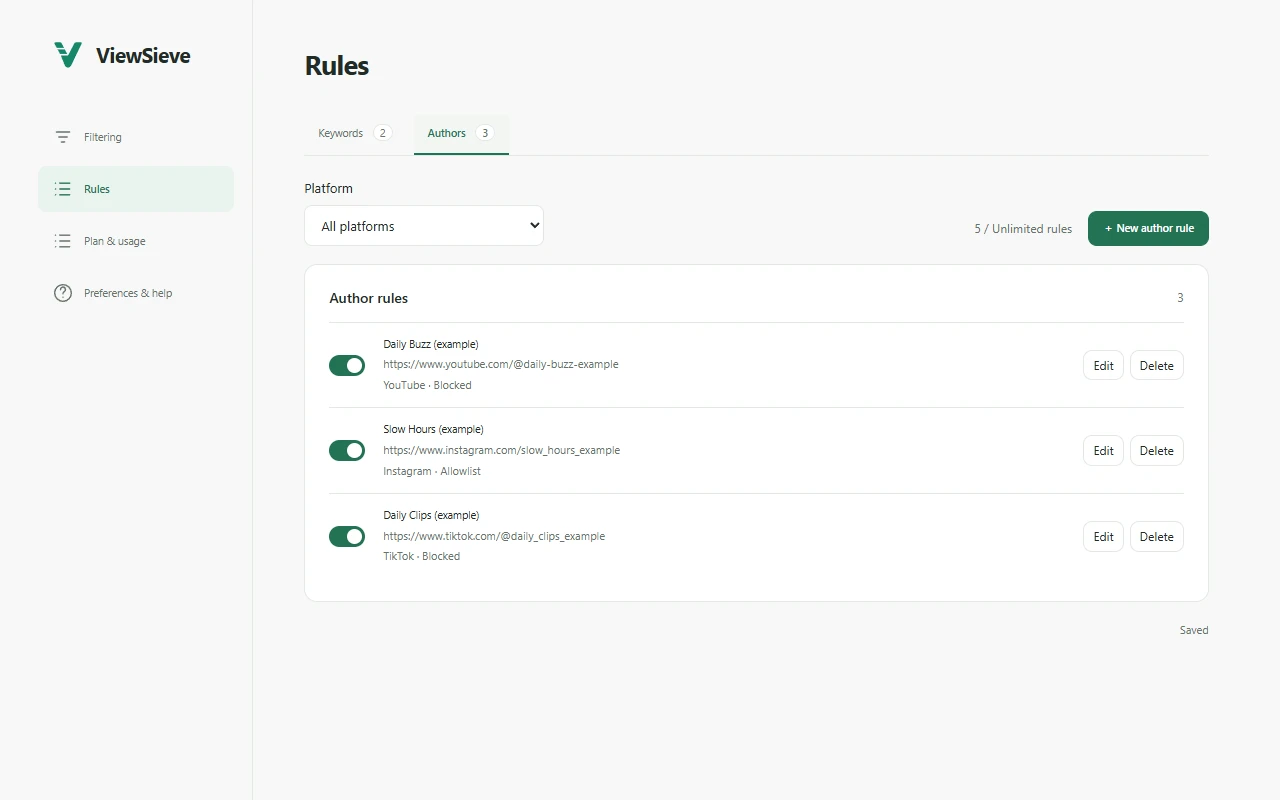
Pro and Max add supported navigation and comment-area controls, plus Instagram’s multi-column grid. Keep the original layout whenever you prefer.
ROOM TO CHOOSE
Content cleanup on every plan. Interface cleanup with Pro. Chrome sync with Max.
Start with a little less noise
$0Free
No subscription
More room for everyday browsing
$2.99/month
USD · Billed monthly
For your full browsing routine
$4.99/month
USD · Billed monthly
Open Plan & usage in ViewSieve, choose Pro or Max and monthly or annual billing, then review and complete the official checkout. Existing subscribers can restore access by logging in, or cancel renewal through Manage subscription.
New to ViewSieve? Install it from the Chrome Web Store, then subscribe in the extension. This website does not collect payments directly.
Add to ChromeThese entitlements apply to ViewSieve. Pro and Max subscriptions renew automatically; annual plans are billed yearly. Chrome sync requires verified Max access and explicit opt-in.
All three platforms share this device’s allowance, reset each local calendar day. Successfully hiding keyword, author, promotional or specific content matches, and successfully auto-skipping YouTube ads, uses allowance. Failed attempts do not. Navigation, comment-area and layout changes alone do not count.
Rules include keywords, blocked authors and allowlists. Disabled rules count; a cross-platform rule counts once. Max has no commercial local-rule limit, while Chrome configuration sync has an 80 KiB capacity.
FAQ
YouTube, Instagram and TikTok in desktop Chrome. Each platform has its own content and interface controls. Enable only the platforms you want to use.
Matching content disappears immediately. Quick additions offer a 3-second undo. Later matches stay out of view without reason cards. TikTok feeds skip matching items while retaining native navigation.
Explicitly opened main content has viewing protection. Surrounding recommendations still follow your rules. Entering a generic feed or moving to another item does not grant that protection.
No. It uses the native YouTube Skip button when available. Unskippable ads, spoken sponsorships and server-stitched ads are not covered. Dedicated promotional labels are used for content filtering, not brand names or shopping words alone.